Design and workmanship
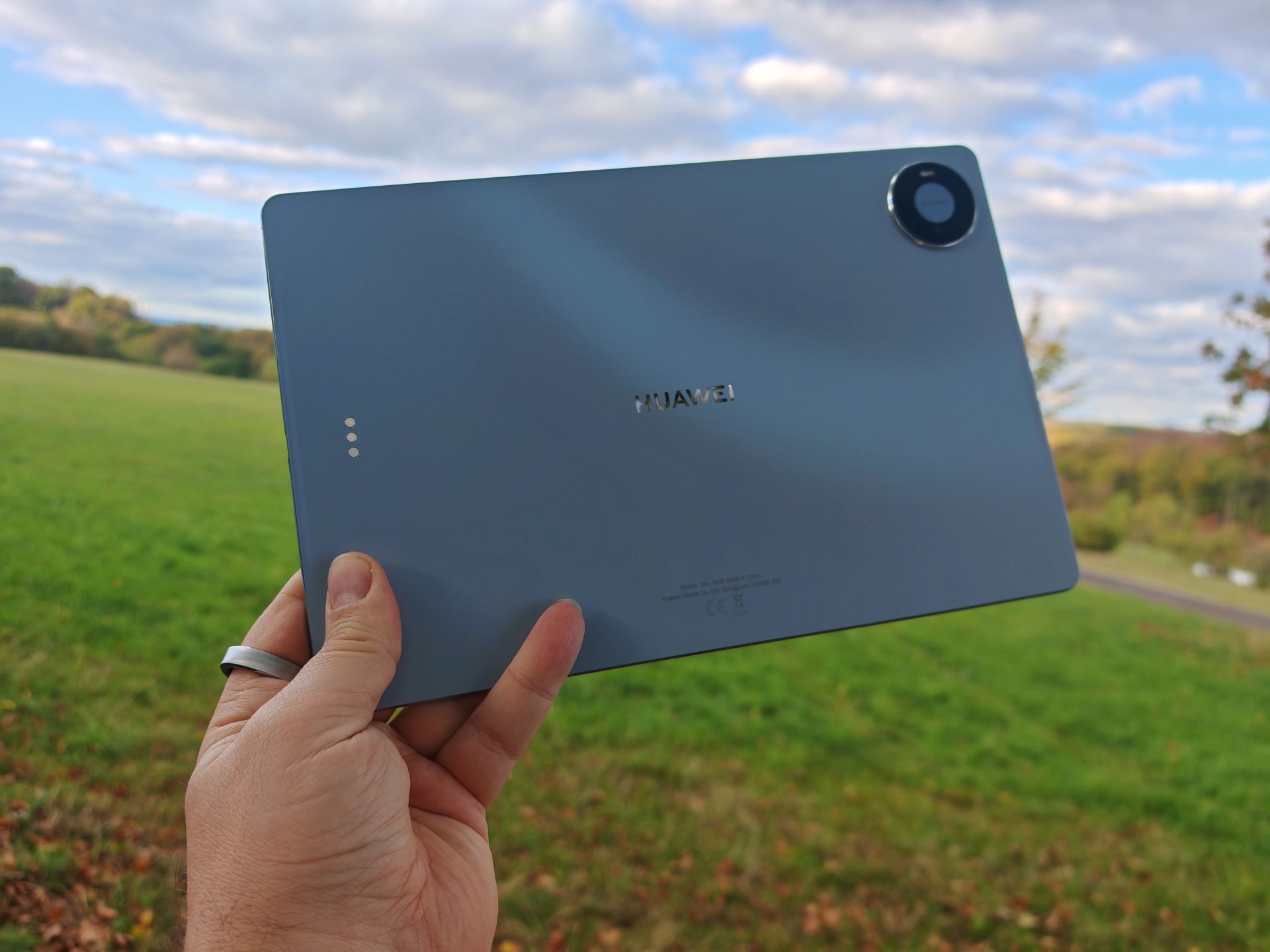
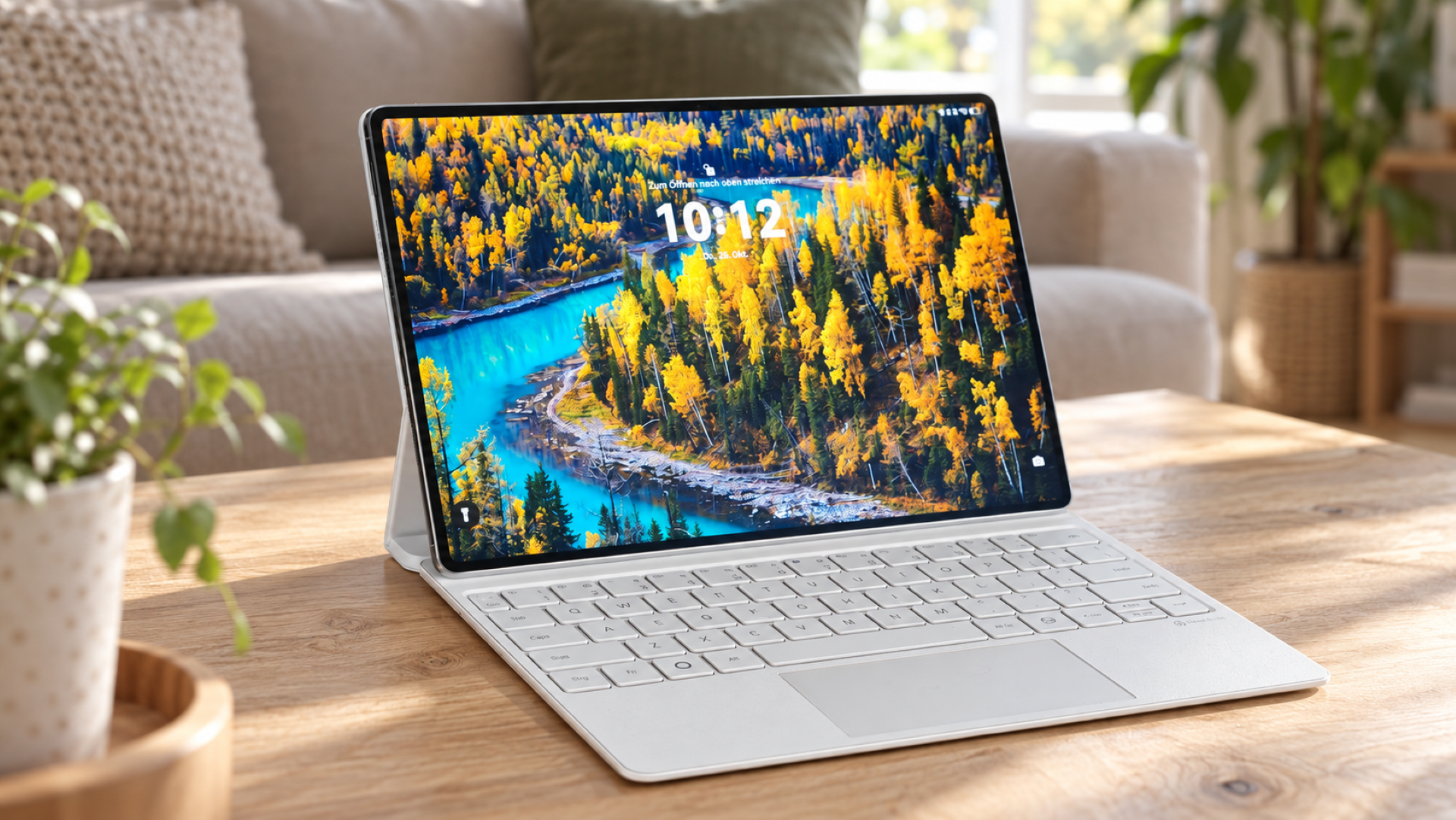
My test device comes in blue. Depending on the light, the light shade is reminiscent of sky blue and adds a splash of color to the desk without being obtrusive. HUAWEI also offers the MatePad in Space Gray. The blue version has a back with a wave-like light effect that appears different depending on the viewing angle. I like this and it fits the overall high-quality impression. The all-metal casing is cleanly finished, the edges feel pleasant to the touch, and the tablet sits comfortably in the hand.
At 4,7 millimeters thick and weighing around 454 grams, the MatePad Pro is pleasantly thin and light. This is immediately noticeable when picking it up without any accessories. Nevertheless, I would use a case on a device in this price range. If I like the color and build quality, I want to preserve both for as long as possible. My test package included a white keyboard case. When I think of white, I usually think of stains and visible signs of wear, but so far the case has remained clean. After a week and a half, it's too early to draw any conclusions about its long-term resistance to dirt. However, my initial concerns have not materialized during this time.
Display
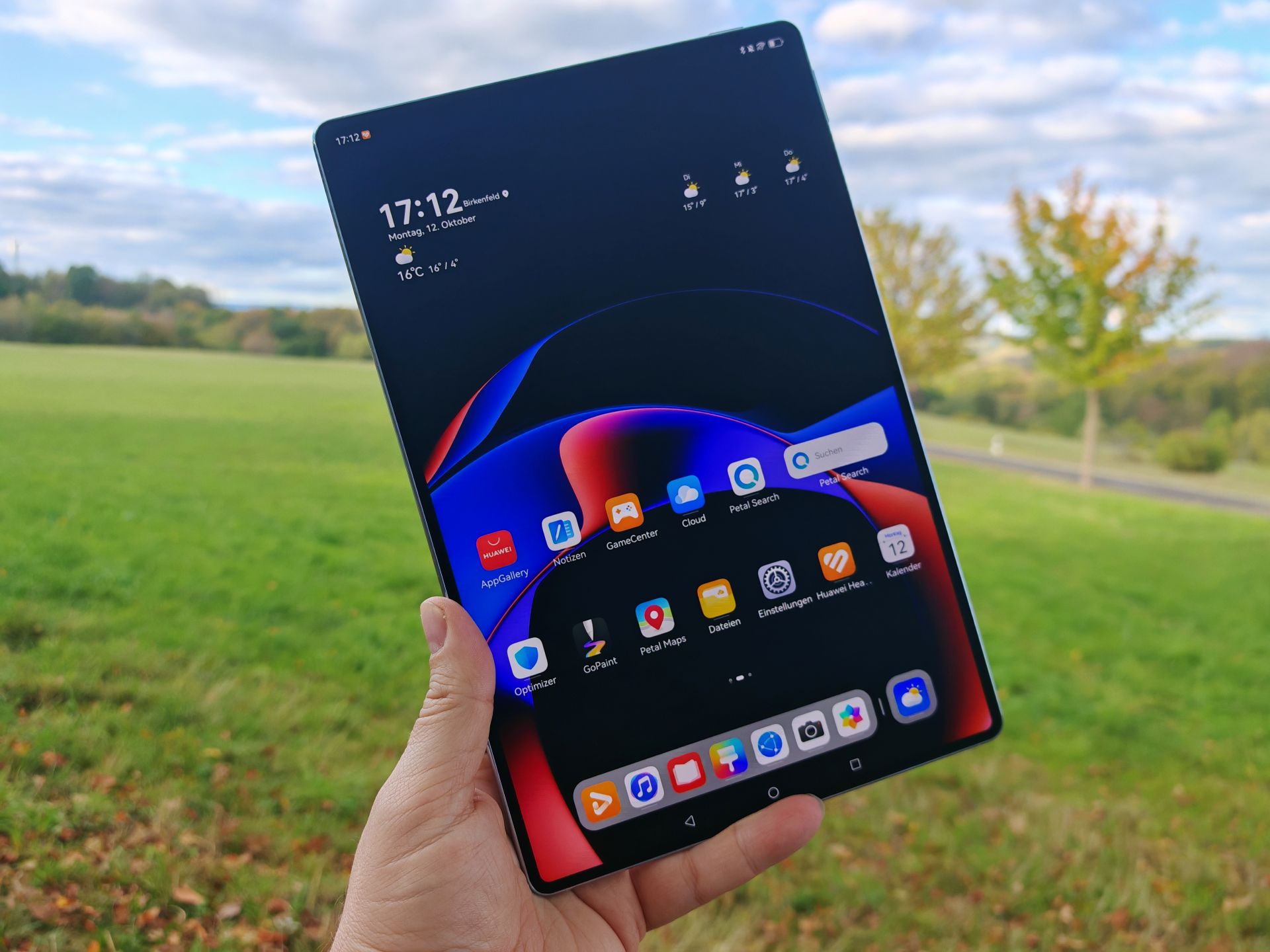
The display is one of the MatePad Pro's strengths, in my opinion. HUAWEI has installed a 12-inch flexible OLED panel with a PaperMatte surface. The resolution is 3.036 × 1.952 pixels with a pixel density of 302 ppi. According to the manufacturer, it also features a refresh rate of up to 144 Hz, a wide P3 color gamut, and a peak brightness of 1.600 nits.
The narrow bezels give the screen plenty of space, resulting in a screen-to-body ratio of 93 percent. In everyday use, I especially appreciate the clear display. Text is sharp, images appear detailed, and the colors are pleasing.
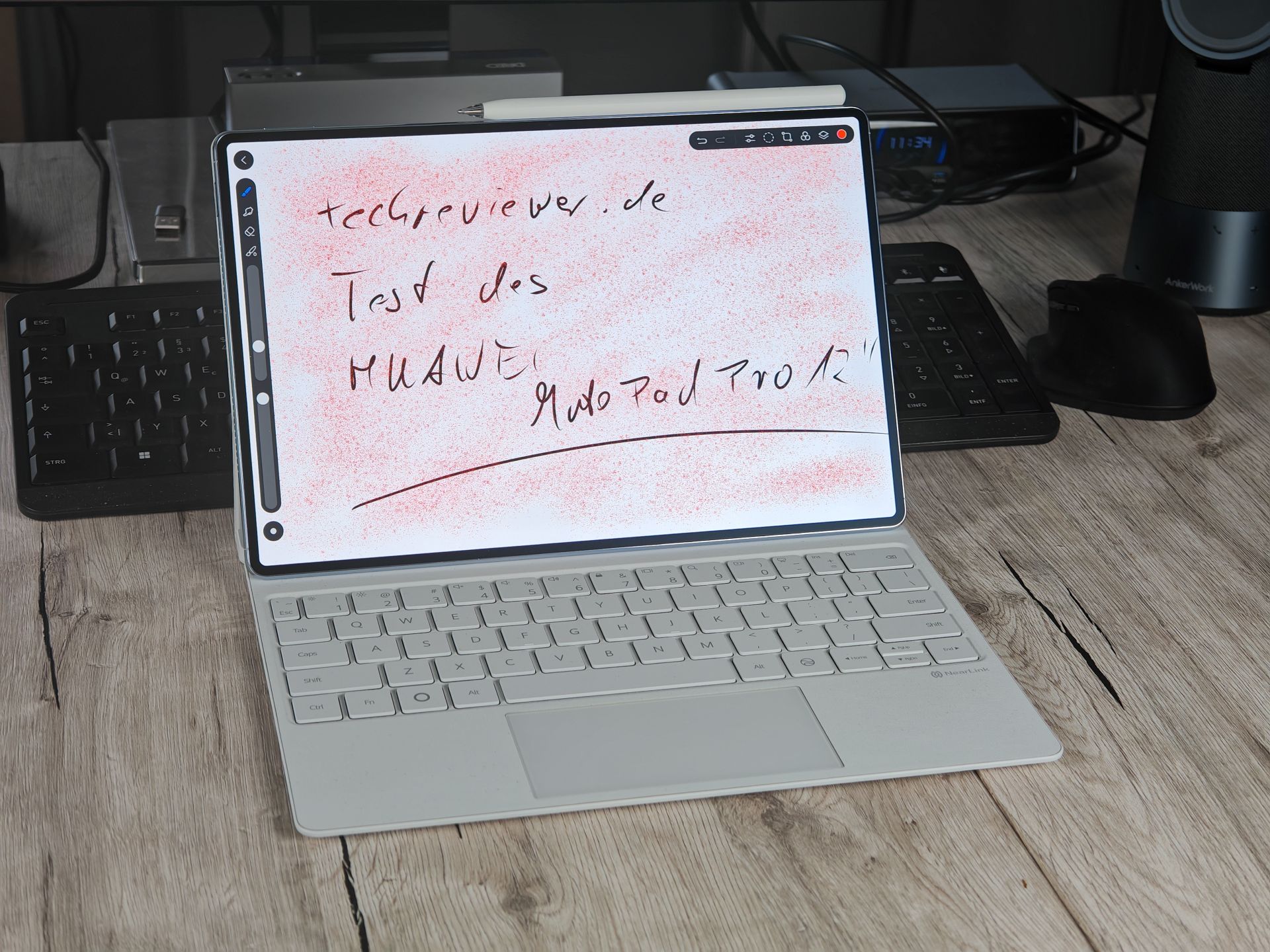
The PaperMatte surface is designed to reduce distracting reflections through its textured surface. This is a particularly interesting approach for reading and writing, as light sources can quickly become noticeable on a tablet. I also like the writing feel with the stylus. Whether you prefer a matte surface or smooth glass, however, remains a matter of personal taste. I didn't measure the maximum brightness, and the 144 Hz refresh rate isn't necessarily available in every application. HUAWEI explicitly points out that the refresh rate depends on the specific app.
Operation, memory and connections
During my initial use, the MatePad Pro ran smoothly and without any noticeable lag. Input is registered instantly, and typing with the keyboard or stylus remains pleasant. When I'm writing or taking notes, I want to concentrate on the content. Any delays would quickly become distracting. I haven't encountered any such problems in my everyday use so far. My assessment is based on this usage; I haven't conducted extensive gaming tests or extended stress tests during this short period.
The tested configuration includes 12 GB of RAM and 512 GB of internal storage. HUAWEI also offers a 256 GB version. The German specifications page still doesn't list the exact processor. However, the USB-C port now supports USB 3.1 Gen 1 and DisplayPort 1.2. This means the tablet also supports wired video output to a compatible monitor. A suitable cable is required for the higher USB data transfer speed: According to HUAWEI, the included cable only supports USB 2.0. Users transferring larger files should take this difference into account.
Keyboard and touchpad
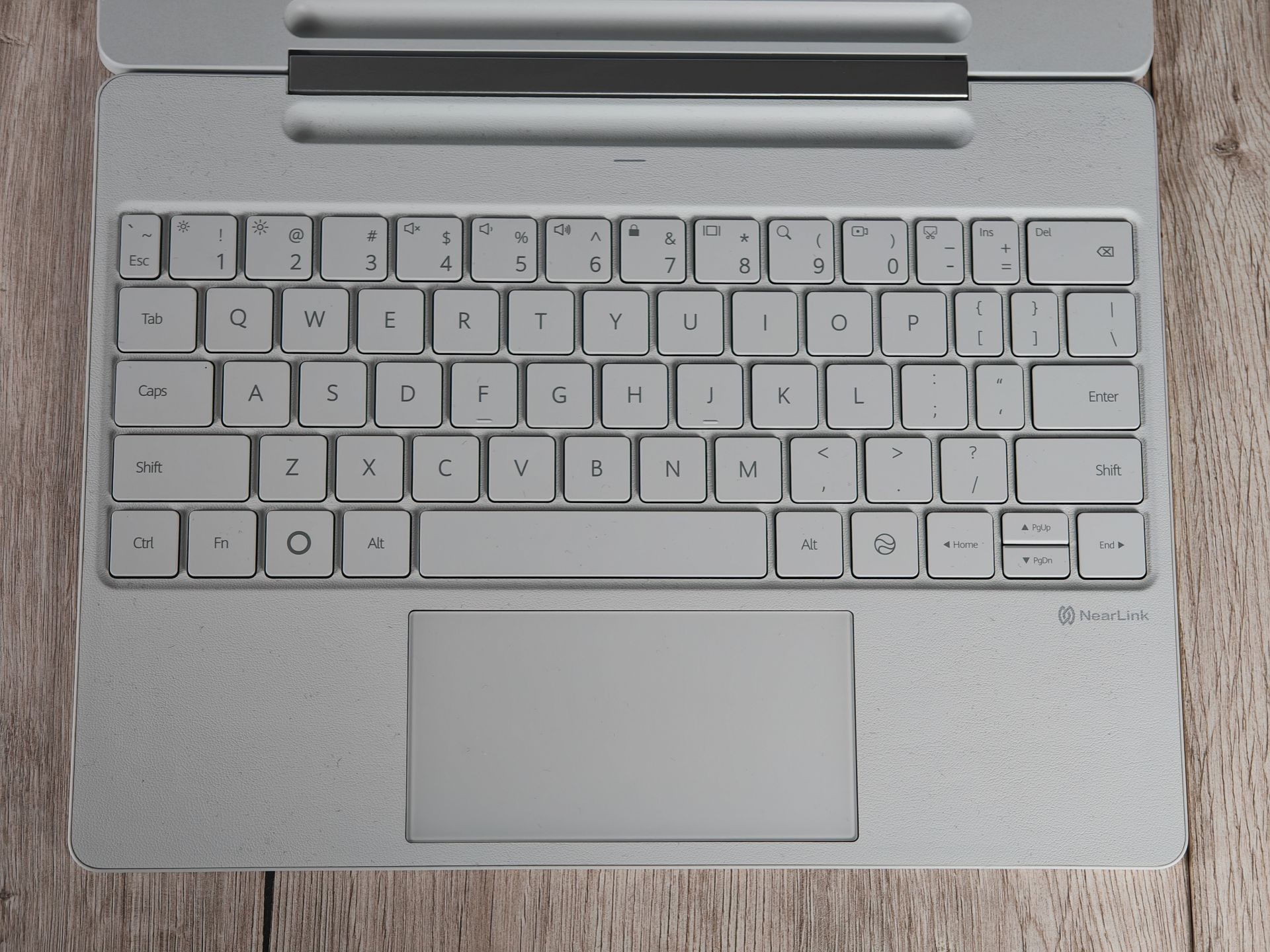
The HUAWEI Glide Keyboard was included in my test package and is a worthwhile addition. Typing on the keyboard is comfortable. The keys respond instantly and provide a pleasant typing experience. For longer texts, I would always prefer it to the on-screen keyboard. HUAWEI specifies a scissor mechanism and a key travel of 1,5 millimeters. It also features a touchpad. The connection is via NearLink, and the keyboard draws its power from the tablet's contacts. Therefore, a separate charging cable for the keyboard is not required.
At approximately 399 grams, the accessories weigh almost as much as the tablet itself. Together, the listed individual weights total around 853 grams without the stylus. This should be taken into account if you're primarily buying the MatePad for its light weight. For me, the added comfort while typing is worth the extra weight. However, those who mainly use the tablet for reading or watching videos may need the keyboard less frequently.
There's one feature I'm missing, though: the keys aren't backlit. I tried the function keys, but couldn't find any backlighting. The provided datasheet also doesn't mention any key illumination.
M-Pencil Pro and pen tray
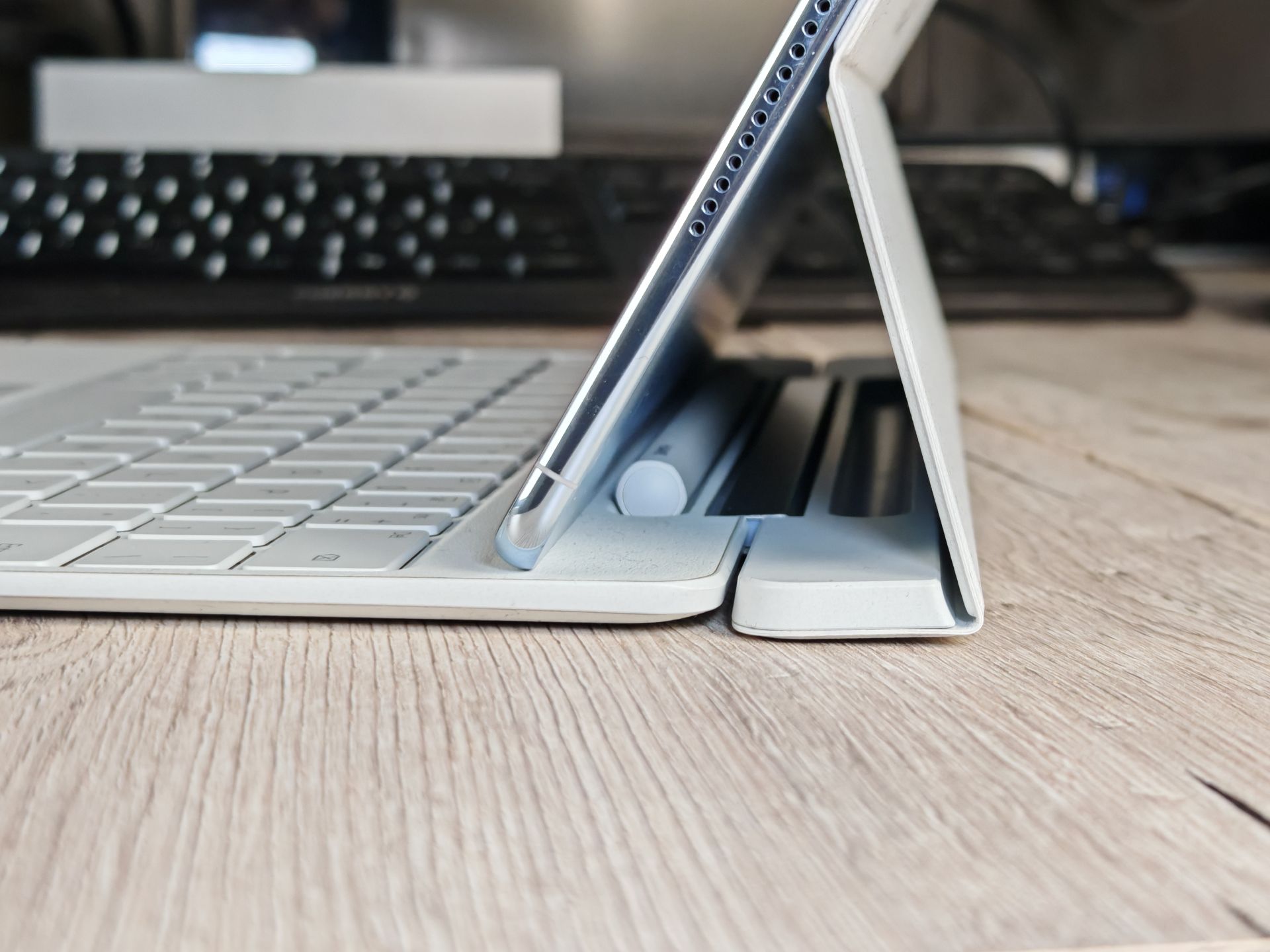
In addition to the keyboard, my test package also included the HUAWEI M-Pencil Pro. It's pleasant to write with. I use styluses with varying degrees of intensity depending on the device, but I like the interaction with the screen on the MatePad Pro. HUAWEI specifies over 10.000 pressure sensitivity levels for the stylus and additional functions such as pressing and rotating. Which options are available also depends on the specific application. For me, the short test focused primarily on normal writing. Extensive drawing experiments with all the tools were not part of the experience.
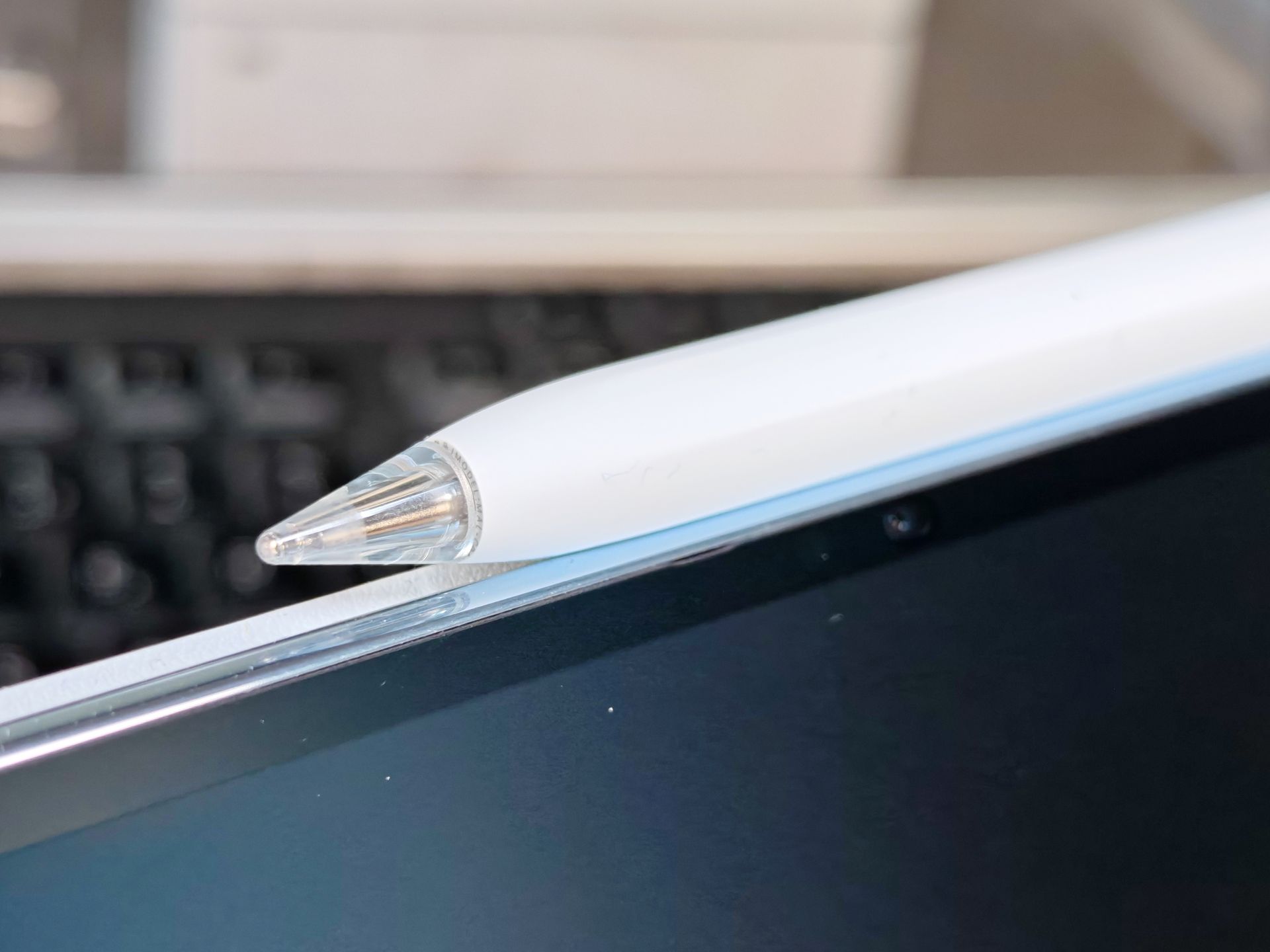
The M-Pencil Pro attaches magnetically to the top frame and charges wirelessly there. This gives it a secure place, eliminating the need for an additional charging cable. The keyboard case also features a magnetic pen holder behind the tablet when it's propped up. This keeps the pen out of the way while working, and the case can be fully folded even with the Pencil inserted. HUAWEI confirms in the shop FAQs that the integrated pen holder also supports wireless charging. Therefore, the holder serves both as storage and charging. In addition to the M-Pencil Pro, the third-generation M-Pencil is also supported.
HarmonyOS, Apps and Update Provisioning
The MatePad Pro comes with HarmonyOS 4.3. HUAWEI Notes is available for taking notes, and the GoPaint app is used for drawing and other creative work. HUAWEI advertises, among other things, improved handwriting and additional drawing tools. Such features can be helpful for students, creative users, or anyone with a specific purpose, but their actual suitability depends on the individual's needs. A concrete commitment has also been made regarding software support: According to the German shop FAQs, HUAWEI will provide security updates, bug fixes, and feature updates for five years from the date of purchase. This is a support commitment, not an announcement of five major operating system upgrades.
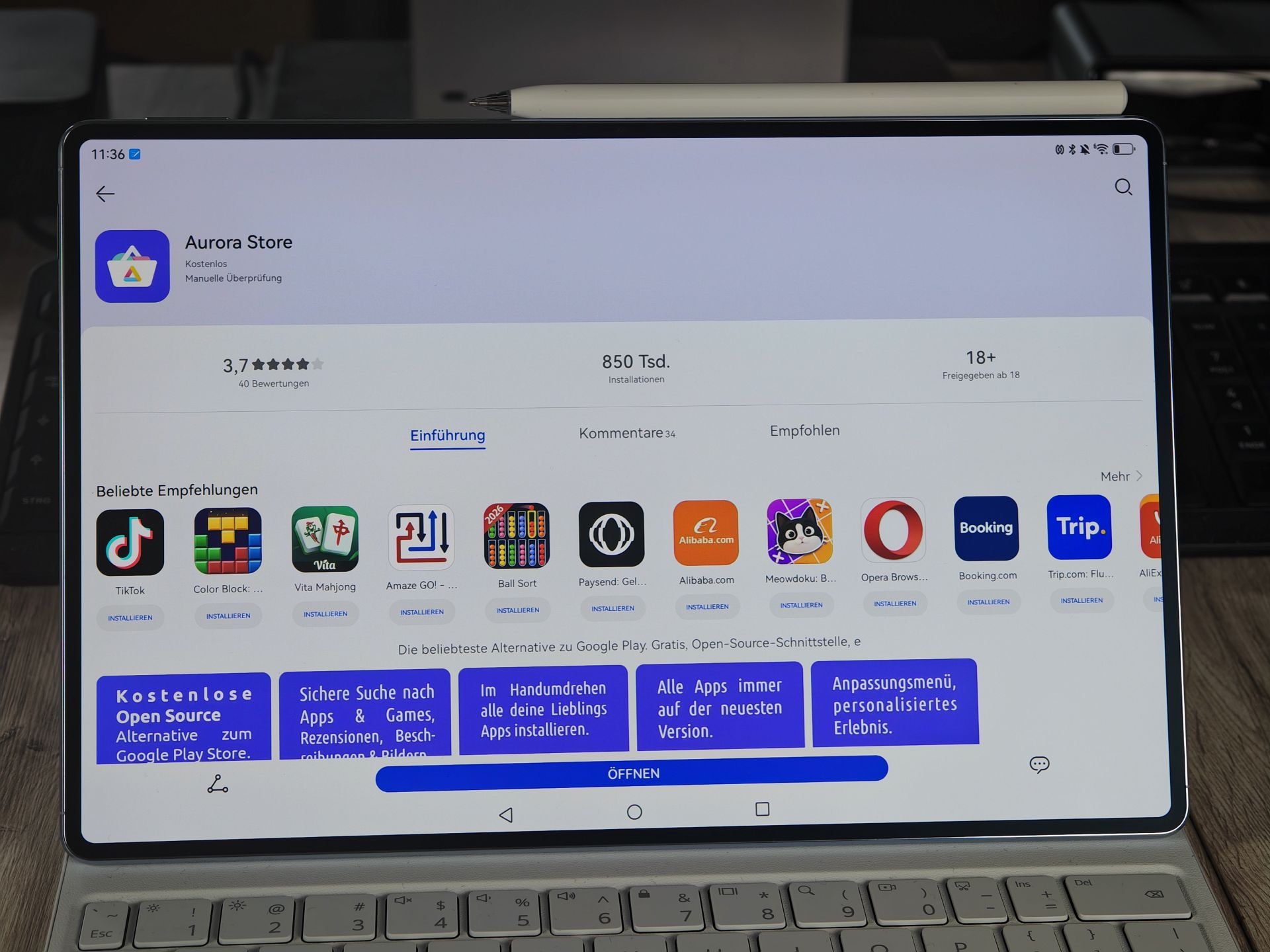
When choosing apps, the AppGallery is the first port of call. Additionally, the Aurora Store allows you to download applications from Google Play. For Google features, microG is available on supported devices. Applications like YouTube, Gmail, and Google Maps can be used on appropriately configured HUAWEI devices. Familiar apps like WhatsApp, Instagram, and Facebook are also accessible. Based on my previous experience with HUAWEI devices, many common everyday applications are well covered. For example, I still use Duolingo myself on my older HUAWEI tablet from 2021. However, this experience doesn't replace a complete test of all apps on the new MatePad.
Some differences remain. Especially with banking and TAN apps, you should check the specific application. Apps already purchased from Google Play can be downloaded via Aurora with the corresponding Google account, but license checks and restoring in-app purchases may still cause limitations. Contactless payment with Google Wallet shouldn't be taken for granted either. For school, university, and work, I would therefore specifically check before purchasing whether the required applications, including registration and important functions, work. I cannot make a general statement about specific learning platforms based on this test. For questions, HUAWEI support and specialized communities like [insert example here] can help. HUAWEI.blog .
At this point, I'd like to refer you to our colleagues at Allround-PC. They've published a helpful step-by-step guide for setting up Aurora Store and microG on HUAWEI devices. In it, they also explain which permissions are required and where limitations exist. You can find the guide here: Install Aurora Store and microG on HUAWEI devices.
Cameras
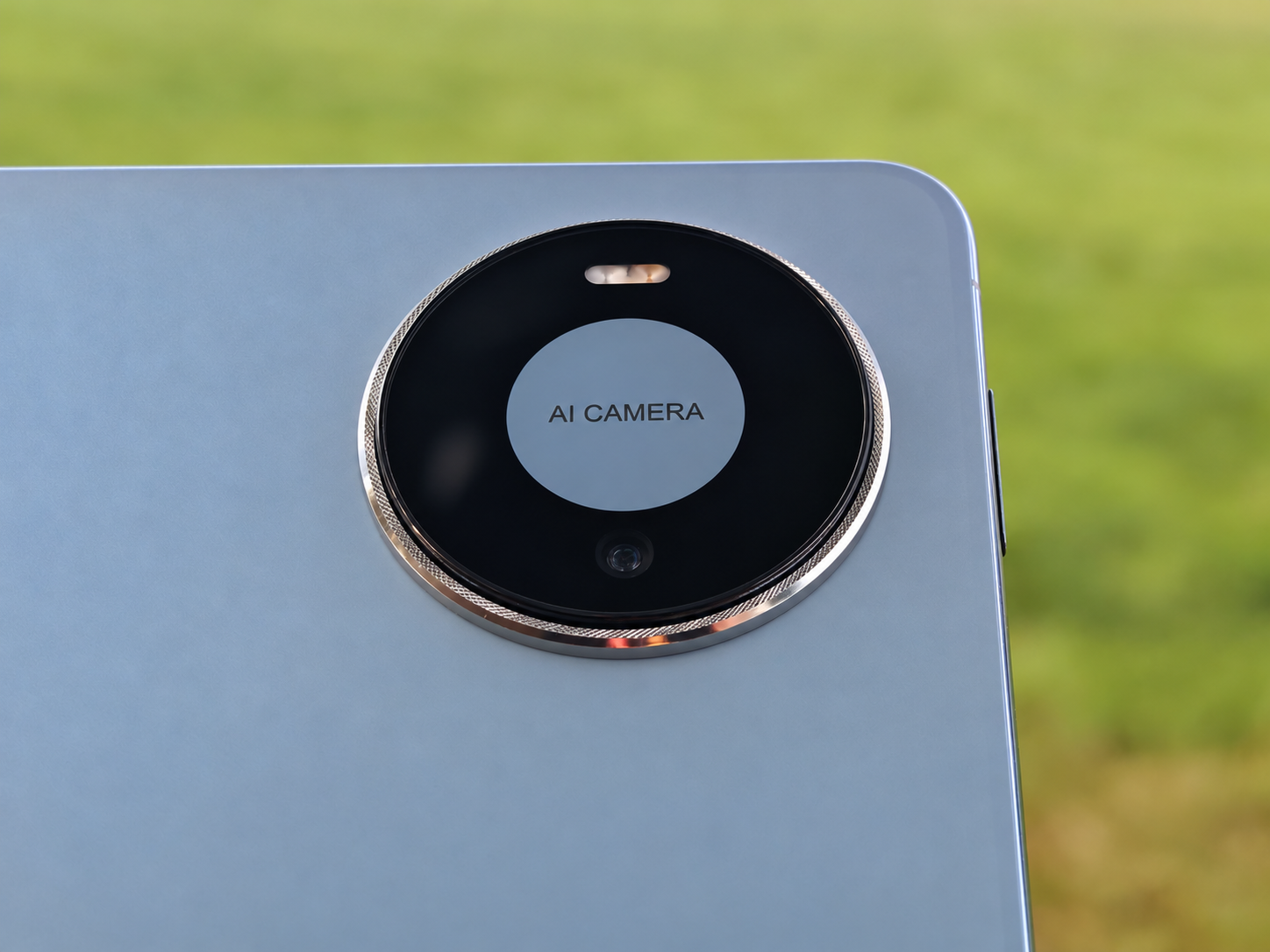
Over the years, I've used many HUAWEI devices and was previously active as a moderator in the HUAWEI community. The brand's cameras have often impressed me. Therefore, I'm particularly interested in what HUAWEI can achieve with the MatePad Pro 12" tablet camera. On the back is a 50-megapixel camera with an f/1.8 aperture and autofocus, complemented by an LED flash. According to the manufacturer, the maximum photo resolution is 8.192 × 6.144 pixels. The front-facing camera is a 12-megapixel unit with an f/2.4 aperture and fixed focus. For rear-facing video, the German specifications page lists a maximum resolution of Full HD at 1.920 × 1.080 pixels. Unfortunately, there's no image stabilization.
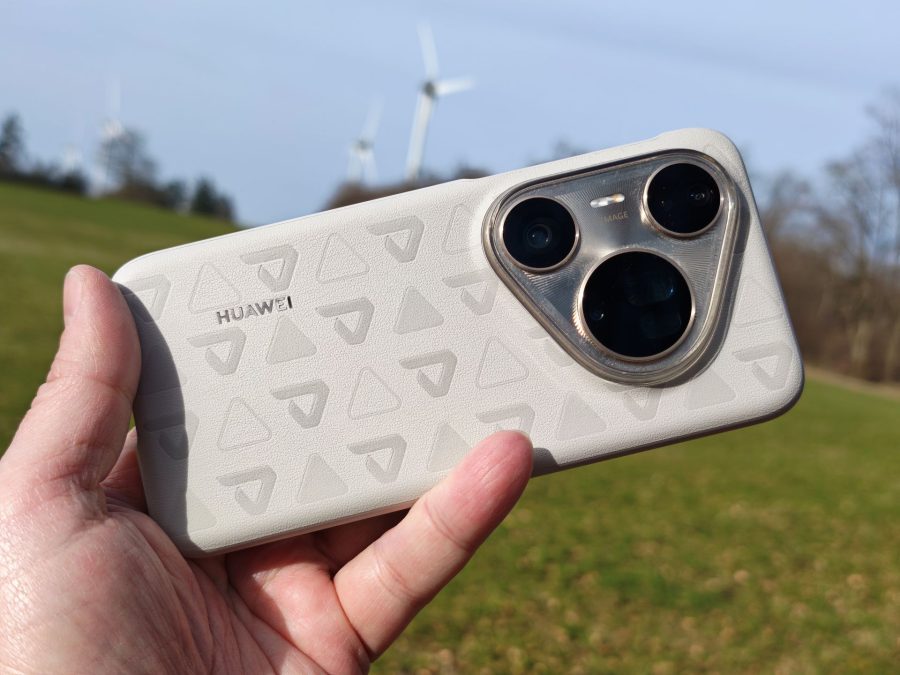
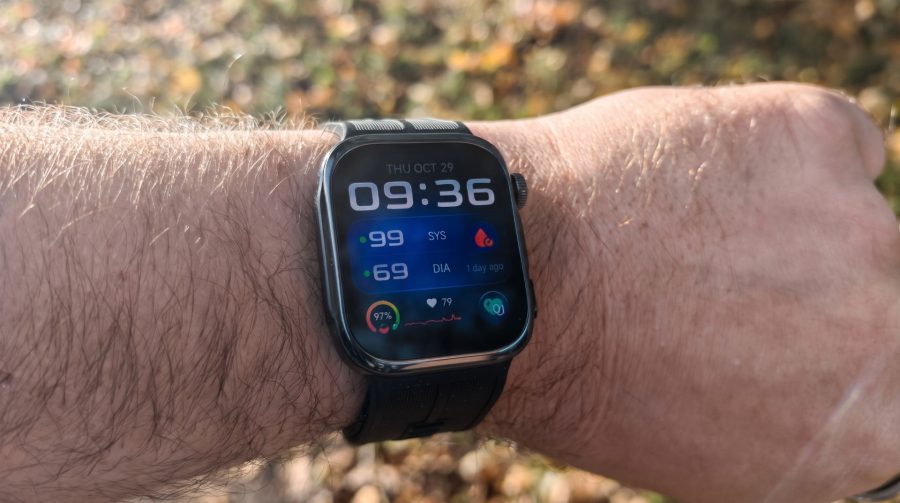
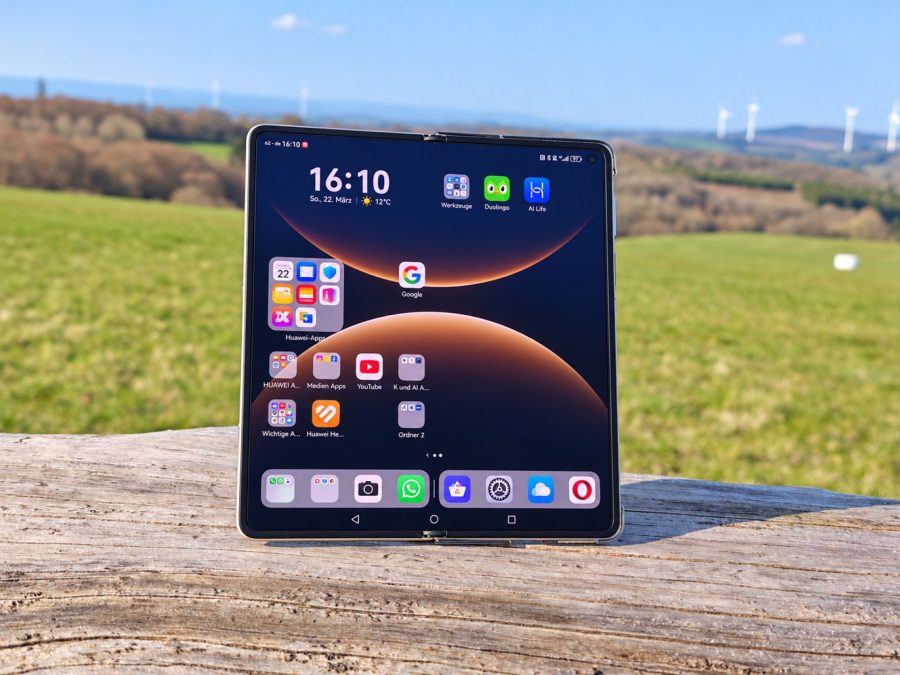
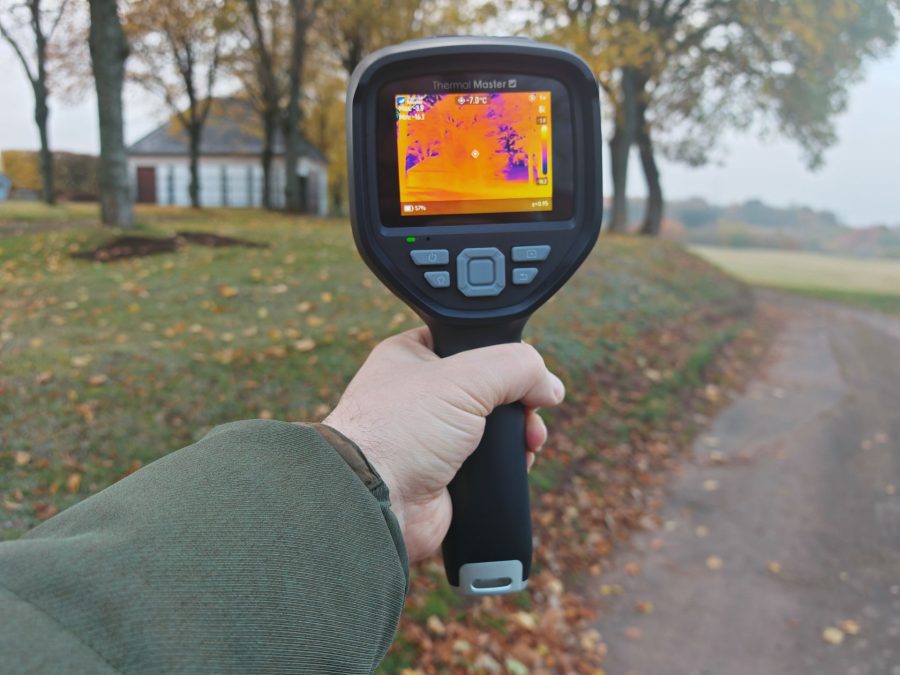
My initial impressions of the photos I've taken so far have been positive. While a 12-inch tablet isn't as convenient for taking pictures as a smartphone, a decent camera is still useful if you only have your MatePad handy and want to capture something or make a video call. Don't expect miracles, but the quality is more than sufficient for university and school. Here are some sample photos:



Battery, charging and connectivity on the go
The German/European version has a battery with a typical capacity of 9.760 mAh. HUAWEI has now confirmed wired charging up to 66 watts. This requires a compatible HUAWEI SuperCharge adapter and a suitable cable. A power adapter is not included in the EU version. The MatePad also supports wired reverse charging up to 40 watts to power compatible devices.
For local video playback, HUAWEI states approximately 14 hours. The product page mentions 13,7 hours, while the shop FAQs state 13,9 hours. The product page specifies, among other things, a display brightness of 200 nits and defined test conditions; I did not personally measure the battery life under these conditions.
Regarding connectivity on the go, the previously open question has now been answered: The MatePad Pro 12″ is a Wi-Fi-only tablet without a SIM card slot. Outside of an available Wi-Fi network, it can connect via a smartphone's hotspot. Other features include Bluetooth 6.0 and four speakers with HUAWEI SOUND.
Price and scope of delivery
In German HUAWEI Store (link to product) Two packages will be offered at launch. The grey version with 12 GB RAM and 256 GB storage, including a folio case, is currently priced at €999; the listed regular price is €1.099. The blue model with 12 GB RAM and 512 GB storage, including a German Glide keyboard, is offered for €1.199, compared to a regular price of €1.299. The packages differ in both storage and accessories. These prices are a snapshot at launch and are subject to change.
The standard package includes the tablet, a USB-C cable, a quick start guide, and a polishing cloth. The case or keyboard depends on the chosen configuration. The M-Pencil Pro is not a permanent standard feature. However, the HUAWEI Store is advertising it as a free gift at launch. Those who purchase the tablet later should therefore check the current offer. This is particularly relevant for the keyboard version tested, as the stylus is a useful addition for writing and taking handwritten notes.